

Widgets!!! The Most Requested Feature of the Get Adulting App is Here! Available on iOS and Android
You’ve asked. You’ve begged. You’ve coerced, cajoled, and convinced. Well, beg no more, because widgets are finally here... and we’re just as excited as you guys! In the latest update of the Get Adulting app, widgets have been released—and they’re everything you imagined and more! Thank you so much to the incredible people who left feedback on what they wanted to make happen with the app. It’s thanks to every user who took the time to tell us what they wanted that we’re here, and we couldn’t be more thrilled!

To get started, users can select the Settings button in the top right corner of the home screen of the app and select “Widgets.” From there, pick from five awesome options to add to your phone’s lock screen or home screen, and for one of them, even the control center! Excited yet? Here’s a rundown of what each of the widget choices are—each one was crafted with special attention to user comments and requests, so we’re beyond excited to finally share them with you guys!
To start us off, we have the much-requested “Daily Tasks” widget. This one takes the daily tasks you write down in the app and puts them in an easily-accessible checklist if the widget is chosen by the user to be medium-size or large, and simply notes the daily streak and how many tasks have been completed if the widget is small (yes, you can choose sizes)! The widget’s preview showcases tasks such as “drink water,” “journal,” and “read for 1 hour”—the sky is truly the limit when it comes to what you can include!

Next, we have the handy-dandy “Upcoming” widget. No longer does this feature need to be stuck at the top of the Get Adulting main screen, noticed only when you open the app. Now, you can track your upcoming tasks straight from your lock screen or home screen! Whatever you have listed as needing to be done in your Get Adulting app will show up in this widget. To use the examples from the widget preview, if you’ve listed your car as needing an oil change on May 31st in the My Garage section, or you’ve enabled a refill reminder for your prescription in My Health, all of these will show up in the “Upcoming” widget with the task and the date it needs done.
Next up is the “Overdue” widget. This one acts similarly to the previous one, except it comes in handy when—oops—you missed a task or two. Use this widget to note that you haven’t gotten around to your annual doctor checkup, or that your car payment is a day late (no worries, we’ve all been there!). And yes, just like in the “Upcoming” widget, these tasks are listed automatically based on the info you have in the sections of your Get Adulting app, so you don’t have to dig through the app to find what you’ve missed!
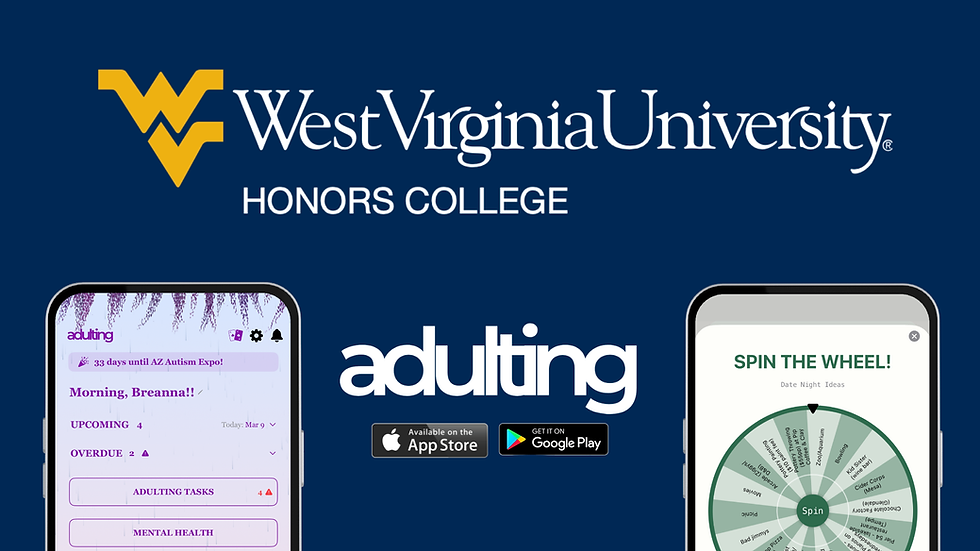
Arguably the most fun feature of Get Adulting, the daily tasks spin wheel is now not only updated as a widget for your daily tasks—it’s also able to spin from the app’s prewritten Adulting Tasks, or your own Recipes! You can even access this widget from the control center as well as the home screen if you want—that means you can change your brightness, turn on your flashlight, toggle Wi-Fi, and now spin the Get Adulting spin wheel all from the same place!

Last but not least, Get Adulting enables you to add a lock screen note as its final widget. With this one, you can set a custom message you’ll see every time you turn on your phone! Whether that’s task-related, a personal mantra or quote, or something totally random is up to you! The note fits up to 60 characters, and one sentence is usually ideal to fit well on the lock screen of most phones.

Also exciting is the fact that each of these widgets, save the lock screen note, allows users to customize them just like they can customize Get Adulting! Choose to match the color your app is set to, or customize the color with a solid tone, a gradient tone you choose, or one of many gradient presets. You can also pick whether the widget has an outline or not, the size of each widget, and, for the Daily Tasks widget, you can select whether the small version presents as a streak or a progress counter!
And that’s it! For anybody who might struggle adding the widgets, you can find a quick tutorial at the bottom of the page. As always, if there are any issues, comments, or questions, don’t hesitate to reach out to us! Get Adulting thrives off of user feedback (don’t forget, that’s why the widgets are here in the first place!) so we absolutely love hearing what folks have to say and encourage users to come to us with any comments they have. We take all feedback to heart and sincerely thank everyone who’s helped Get Adulting grow with their compliments, criticisms and ideas! Email contact@getadulting.com to share your thoughts or to report any bugs. Download on iOS: http://apps.apple.com/us/app/get-adulting/id6744375132 Download on Google Play: https://play.google.com/store/apps/details?id=com.getadulting.app&hl=en_US


Comments